
Private by default
Your notebooks stay on the device where you create them. Export a PDF whenever you want a copy.
For iPhone & iPad
A thought, a sketch, a page full of plans. Make room for them with Apple Pencil on iPad, or type a quick note on iPhone. Your notebooks stay on your device.
Why it exists
For the notes you mean to keep, the sketches you need to make, and the odd thought that arrives halfway through the day.
Your notebooks stay on the device where you create them. Export a PDF whenever you want a copy.
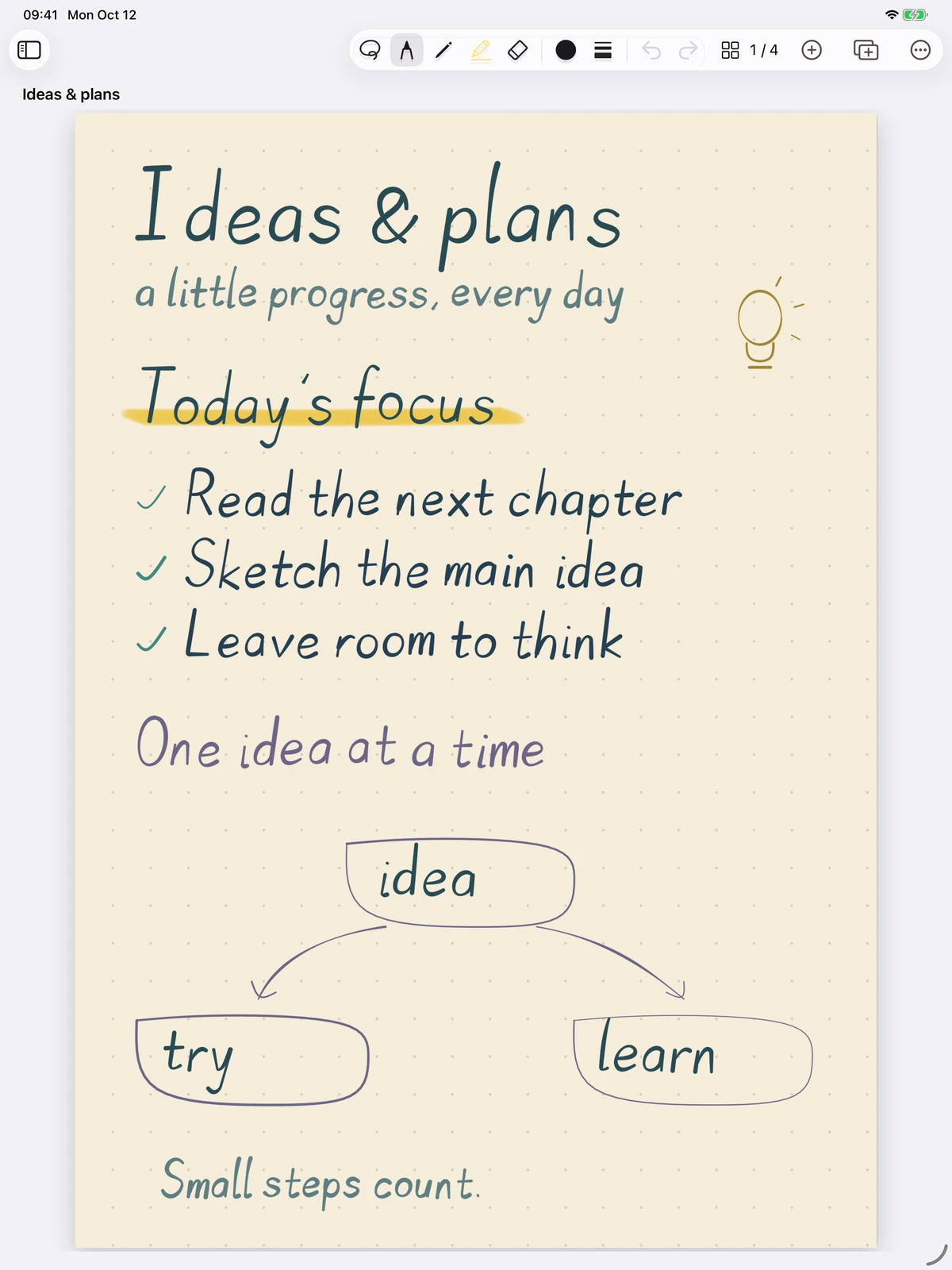
Write, sketch, and highlight with Apple Pencil on a compatible iPad. Turn off finger drawing if you prefer.
Bring a PDF planner, reading, or worksheet into a notebook and add your own notes.
Features
A pen for a thought. A highlighter for a good line. A notebook for whatever comes next.
Handwrite and sketch on iPad. Type notes and highlight with your finger on iPhone.
Open PDFs, planners, and scanned documents as notebooks you can annotate.
Pick a cover color or use one of your own photos to make your library feel like yours.
Blank, ruled, grid, or dots. White or cream. Choose the paper for each page.
Share a single page or an entire notebook as a clean PDF whenever you need to.
A roomy notebook on iPad and quick typed notes on iPhone. Notes stay on each device; they do not sync.
Make yourself at home
One notebook for your notes, plus one separate PDF or scan notebook. Up to 10 pages in each. The included example uses neither allowance.
Try it on the App StoreUnlock unlimited notebooks, pages, and PDF imports with one lifetime purchase. No subscription. Your existing lifetime access carries over to the update.
The App Store shows the price in your local currency before you buy.
See Serious Notebook on the App StoreComing in 3.0
The next update brings paper scans and photos straight into your open notebook, with lifetime access. The screenshots on this page preview 3.0; the download opens the version currently on the App Store.
Capture several paper pages, then move, resize, or rotate each scan on your notebook page.
Capture several photos, review the set, and insert them into the current page in one go.
A clearer iPad toolbar puts drawing tools and notebook actions together, leaving more room to write.
One notebook, every use
Notes, annotated PDFs, little collections, and a notebook for each part of your day.
Preview of the next update
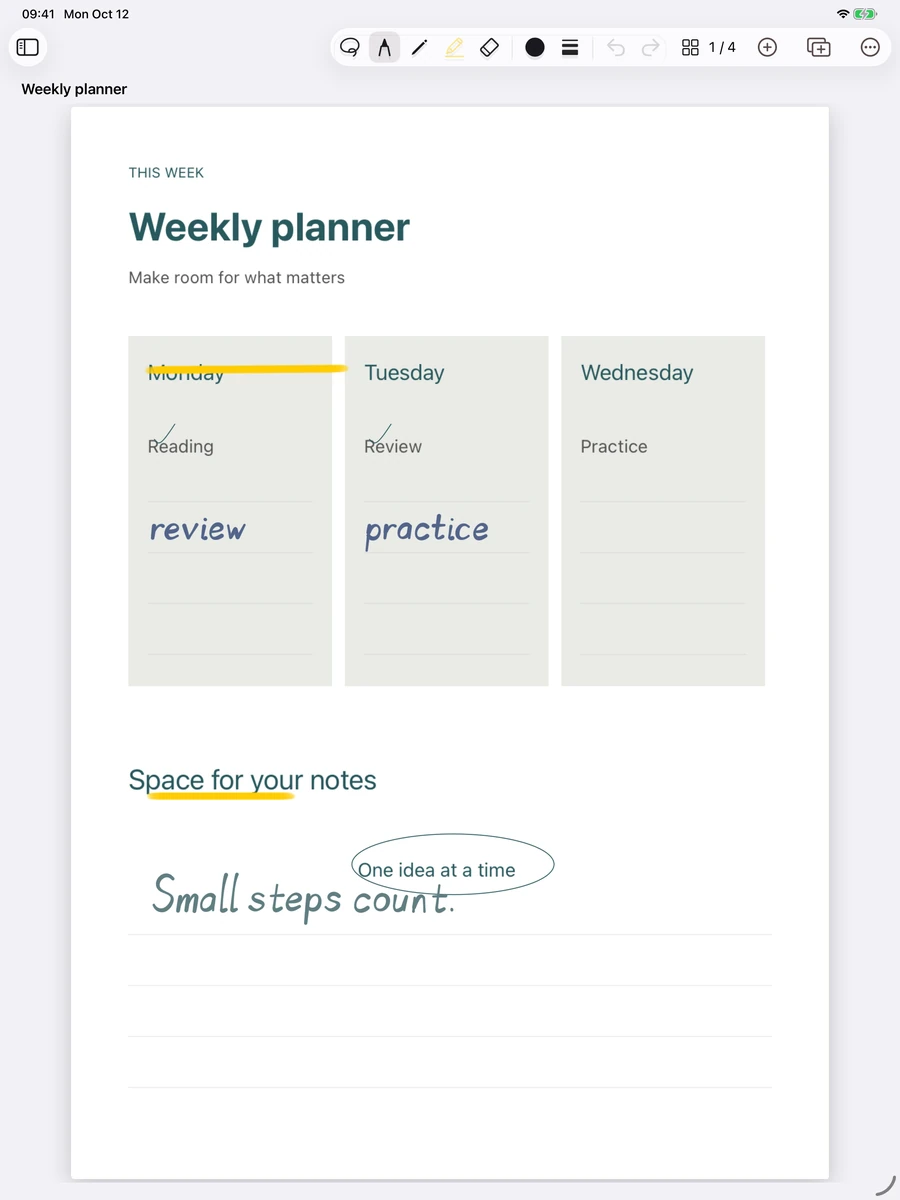
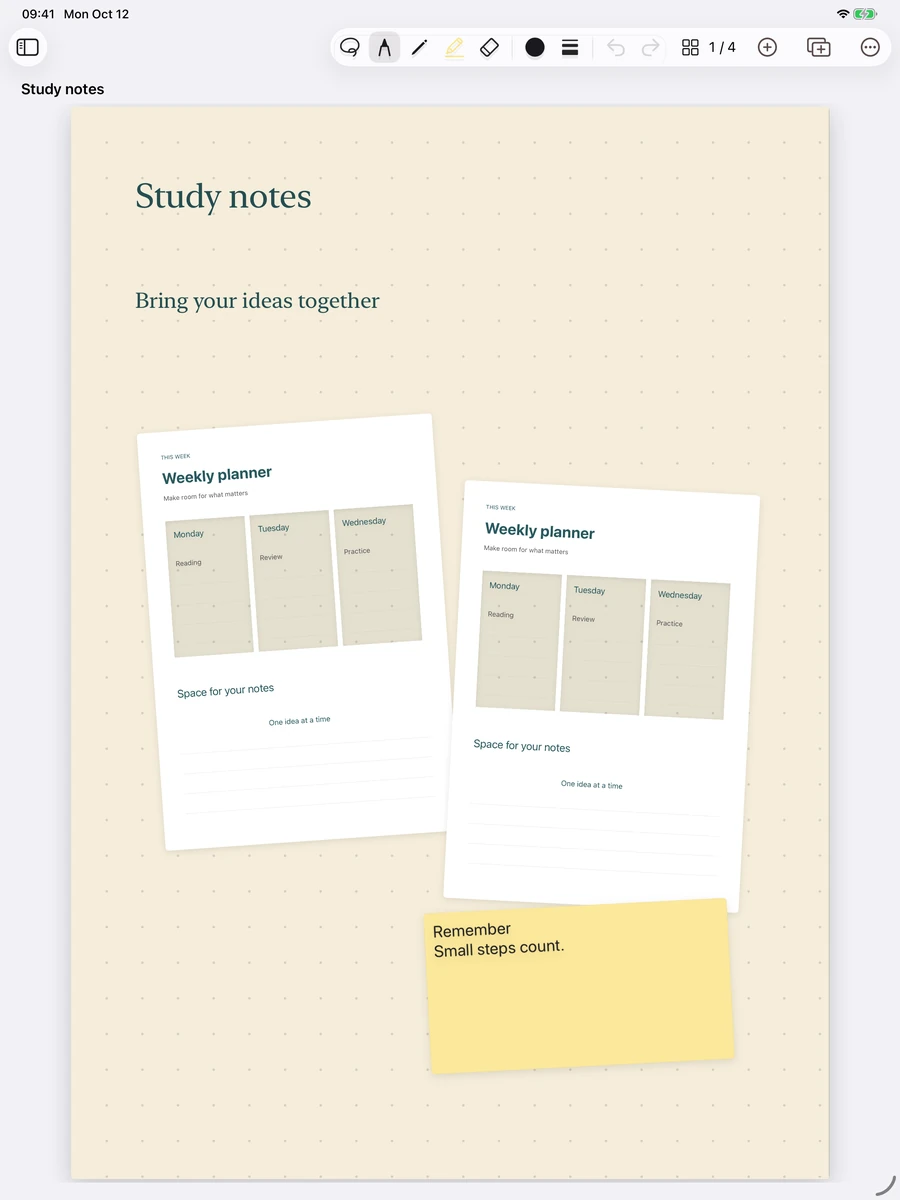
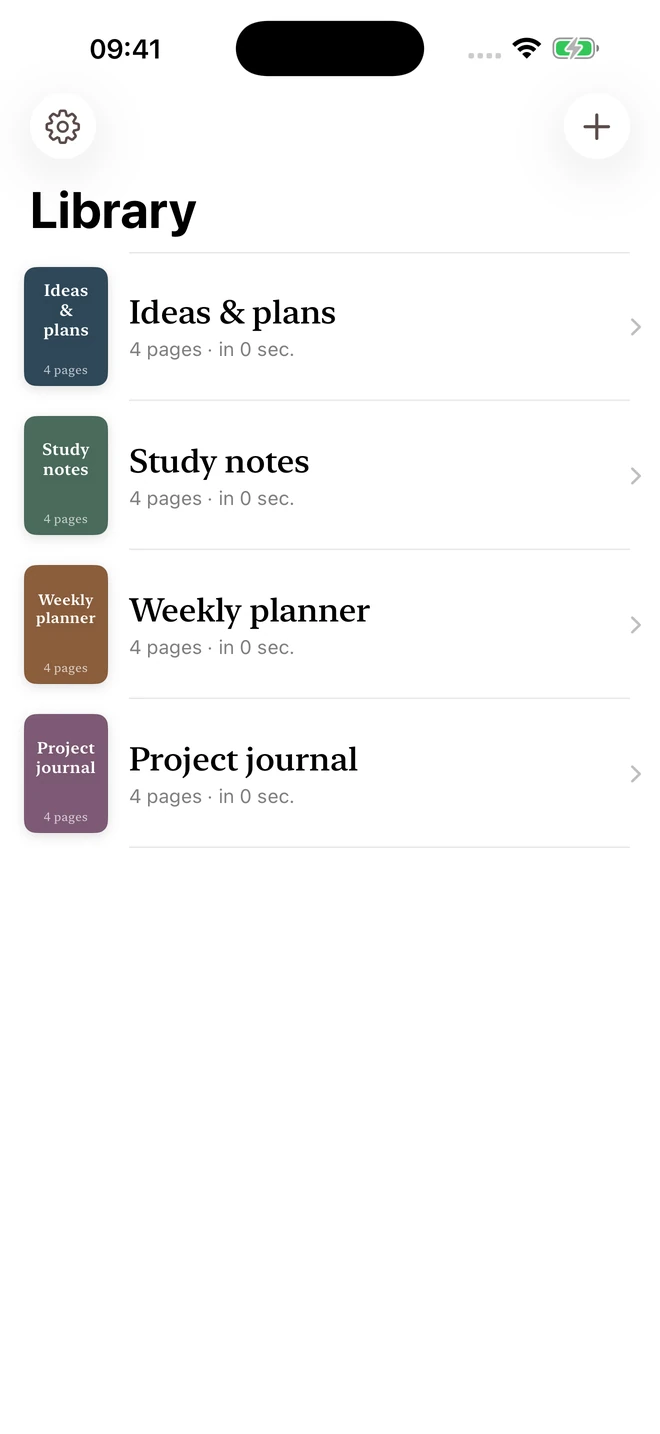
Photo and PDF insertion, and unlimited notebooks, require lifetime access.
Private by design
Serious Notebook does not run analytics, does not work with ad networks, and does not use your handwriting, drawings, typed text, imported PDFs, or images to train AI — ours or anyone else's.
Built for the big screen
A planner to scribble on. A few things to gather together. Paper that feels right. All shown here on iPad.
Preview of the next update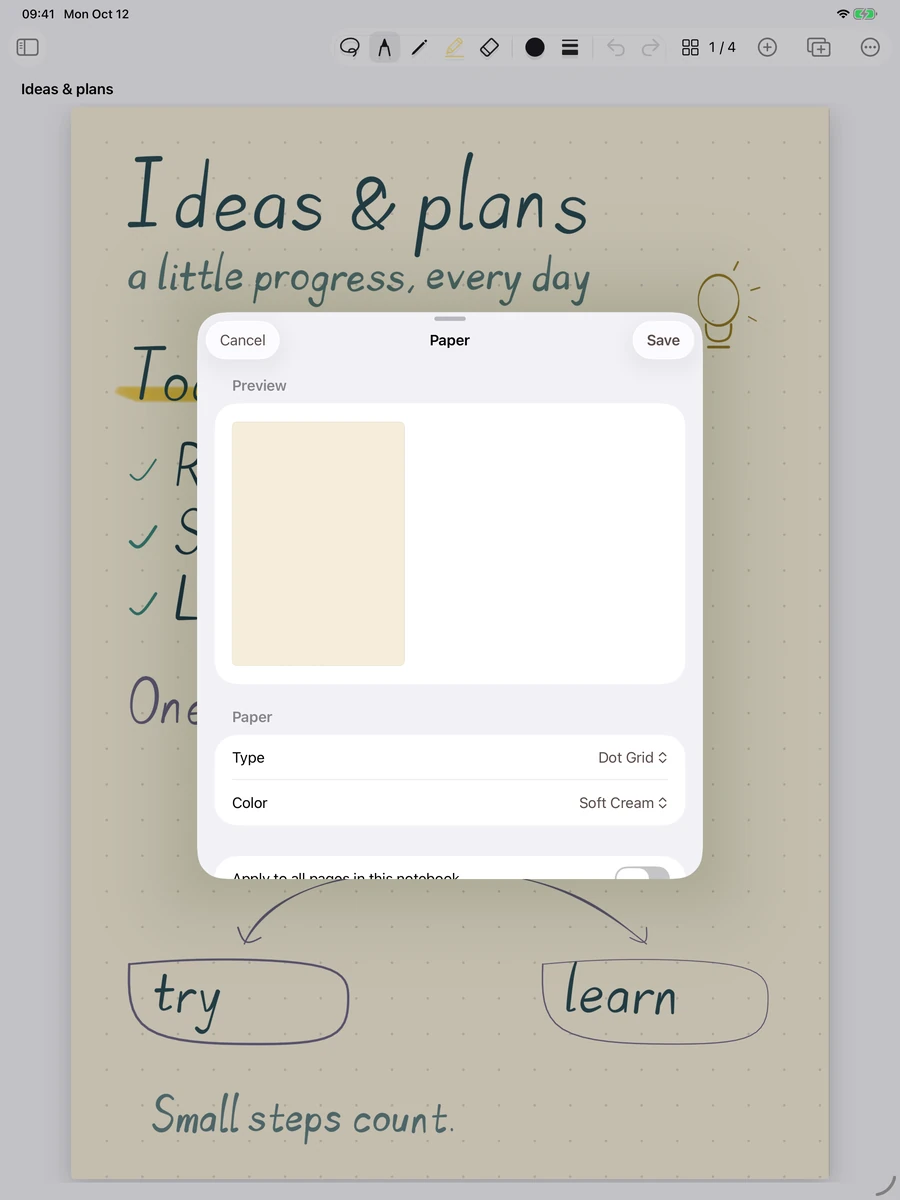
Apple Pencil works with compatible iPads. In-page photo, PDF, and scan insertion requires lifetime access.
Good to know
The short version of how Serious Notebook works and what it does with your data.
Yes — completely. There's no account and no required internet connection. You can write, import, and export with the app fully offline.
Apple Pencil is optional and works on compatible iPads. On iPad you can also draw with your finger. On iPhone, type your notes and highlight with your finger.
Yes. Import PDFs, planners, worksheets, or scanned paper notebooks. Imported pages become locked backgrounds, so you can keep writing, highlighting, and placing items on top without changing the original.
No. Your handwriting, drawings, typed text, imported PDFs, and images are never used to train AI — ours or anyone else's. There are no analytics, no telemetry, and no third-party SDKs.
There's no built-in cloud sync — notebooks live on the device where you create them. You can optionally include the notebook store in iCloud Backup, or turn that off from settings, and you can always export to PDF to move pages elsewhere.
Yes. Export a single page or an entire notebook as a clean PDF at any time, then share or archive it however you like. Because notes live on your device, keeping a backup or export is a good habit.
One notes notebook and one separate PDF or scan notebook, up to 10 pages each. The included example does not use either allowance.
No. It is one purchase for lifetime access. The App Store shows your local price before purchase. Use the same Apple Account to restore access on iPhone and iPad; notebook content stays on each device.
With lifetime access, scan several pages directly into an open notebook and add several newly captured photos together. Each inserted item can be moved, resized, or rotated. The iPad drawing toolbar is also simpler. The screenshots preview this upcoming update.
Try Serious Notebook with your own notes. A little handwriting on iPad, a quick thought on iPhone. No account to create.